
 1300 285 885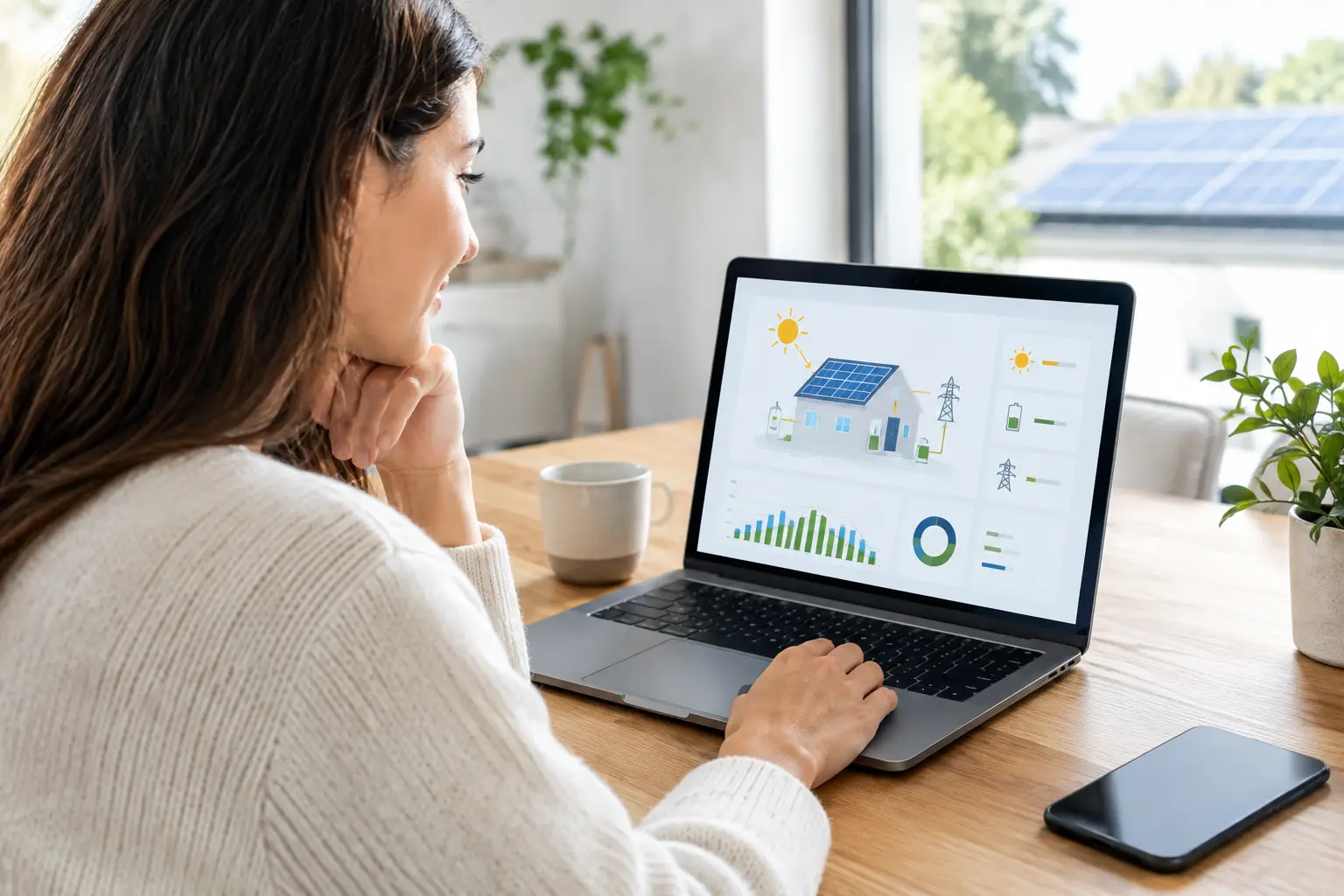
Your solar app can tell you far more than whether the panels are switched on. When you know how to read solar monitoring data, you can see whether your system is producing as expected, when your property uses the most power and where a battery or smarter energy habits could make a real difference.
For Australian homes and businesses, monitoring turns solar from a set-and-forget investment into a practical tool for reducing reliance on grid electricity. The key is knowing which numbers matter, what a normal day looks like and when a change deserves attention.
Start with the four numbers that matter
Most inverter and energy-monitoring apps display some version of solar generation, property consumption, grid import and grid export. If you have a battery, you will also see battery charge, discharge and state of charge. The layout varies by brand, but the meaning stays much the same.
Solar generation is the electricity your panels are producing right now or have produced over a selected period. It is usually shown in kilowatts (kW) for live output and kilowatt-hours (kWh) for daily, monthly or yearly energy production. A 6.6kW system does not produce 6.6kW every minute of the day. That figure describes the system’s panel capacity, not a guaranteed constant output.
Consumption is the electricity being used by your home, workshop, office or site. It rises when major appliances, air conditioning, machinery or EV charging are running. Monitoring that includes consumption data is especially useful because it shows how much solar you are using directly.
Grid import is electricity purchased from the grid when solar and battery power do not cover demand. Grid export is excess solar sent back to the grid after on-site usage and battery charging needs are met.
A battery adds another layer. Its state of charge shows how full it is, while charge and discharge figures show whether it is storing surplus daytime generation or powering your property after sunset.
kW versus kWh: the common source of confusion
Think of kW as speed and kWh as distance travelled. A live reading of 3.5kW means your system is producing electricity at a rate of 3.5 kilowatts at that moment. A daily total of 24kWh means it generated 24 units of energy across the day.
This distinction matters when checking performance. A cloudy midday may show only 1.2kW of live generation, yet the system can still achieve a respectable daily kWh total. Conversely, a bright peak reading does not always mean a high-production day if cloud cover arrived early or late.
For most owners, daily and monthly kWh figures are better for judging trends. Live kW readings are best for understanding what is happening right now.
What normal solar monitoring data looks like
On a clear day, solar production generally follows a bell-shaped curve. Output builds through the morning, reaches its strongest level around the middle of the day, then tapers into the afternoon. The exact peak depends on panel orientation, system size, inverter limits, temperature and local conditions.
A north-facing system often produces strongly around midday. East-facing panels begin earlier, while west-facing panels hold production later into the afternoon. Many properties use a combination of orientations to spread generation across the day, which can better match morning and evening demand.
Do not expect identical results every day. Clouds, rain, haze, dust, shade and heat all affect output. Panels may produce well in bright sunshine but lose some efficiency on very hot days. Seasonal changes are also normal: summer days are longer, while winter production is often lower because sunlight hours are shorter and the sun sits lower in the sky.
The best comparison is not Tuesday against Wednesday. Compare similar weather conditions, then look at weekly, monthly and annual patterns. Your monitoring app may also show estimated generation, but treat this as a guide rather than a promise. Real-world roof orientation, shading and weather always shape the result.
Read solar monitoring data alongside your energy use
High generation is valuable, but self-consumption is where monitoring becomes actionable. If your app shows plenty of solar exported at midday while you import power heavily after work, your system may be working perfectly – your energy use simply occurs at a different time.
Moving flexible loads into solar hours can help. Run the dishwasher, washing machine, pool pump or business equipment when generation is strong, where practical. If you charge an EV at home or operate commercial equipment, daytime scheduling can make a meaningful difference to how much of your own solar energy you use.
For battery owners, look for a familiar pattern: solar powers daytime loads first, surplus generation charges the battery, then the battery discharges during the evening. It depends on your settings, tariff arrangement and weather, but a battery that regularly fills early and remains full while large amounts are exported may warrant a discussion about load scheduling or battery settings.
For businesses, interval data can be particularly revealing. A site with strong daytime demand may consume a large share of its generation directly. A business that operates mostly after dark may need a different strategy, such as adjusted operating loads, battery storage or a system designed around its actual load profile.
Check whether your monitoring is showing the full picture
Not every app measures every flow of electricity. Some inverter apps report solar generation only. Others use a smart meter or consumption clamps to show household usage, imports and exports as well.
If your dashboard only shows production, it cannot tell you whether solar is running your appliances, charging a battery or exporting to the grid. That is not a fault – it is a limitation of the monitoring setup.
Consumption monitoring can also be inaccurate if metering clamps are incorrectly installed, a switchboard has changed or the system configuration is not set correctly. A warning sign is data that does not make sense, such as apparent exports when your site is clearly using substantial power. Your electricity bill and smart-meter interval data can provide a useful cross-check over time.
Signs your solar data deserves a closer look
One low-production day is rarely a concern. A sustained change is more meaningful. Check the weather first, then compare the same period with recent weeks or the equivalent season last year if that data is available.
Contact your installer or a qualified solar technician if you notice several of these patterns:
- generation has dropped sharply for multiple clear days without an obvious reason
- the inverter reports a fault, isolation warning or repeated grid-disconnection message
- one panel string or MPPT is producing far less than another comparable string
- generation stops in the middle of a sunny day and does not recover
- a battery will not charge or discharge as expected despite normal settings
- the app has stopped updating and the inverter display suggests a communication or system issue.
Avoid trying to diagnose electrical equipment from the roof or opening inverter covers yourself. Screenshots of the app, the date and time of the issue, and any inverter error code will give your installer a far better starting point.
Use trends, not single screenshots
A monitoring app is most useful when you check it regularly without obsessing over every small variation. A quick weekly glance can confirm that generation follows a familiar pattern. A monthly review helps you see seasonal changes, consumption habits and the value of shifting loads into daylight hours.
For a new system, start by recording a few baseline months. Note typical daily generation, the times your property imports most electricity and how often a battery reaches full charge. These figures become your reference point if performance changes later.
If you are considering expanding your system, adding a battery or installing EV charging, monitoring data gives you evidence rather than guesswork. It shows whether your current solar is regularly exported, whether evening imports are high and whether your daytime loads are already well covered.
Turn monitoring into better solar decisions
The goal is not to chase the biggest number on the screen. It is to use clean energy when it is available and identify opportunities that suit your property’s routine. A family home, a small retailer and an industrial site will all read the same core data differently because their demand profiles are different.
A quality solar system should be matched to the way you use energy, then supported with clear monitoring and reliable after-sales help. Solar Miner can help homeowners and businesses make sense of their usage patterns and choose a solar solution built for long-term savings. Check your data often, trust the longer-term trend and ask for support early when the numbers stop adding up.